How to Fix the "File Too Large" Error on Government & Bank Portals

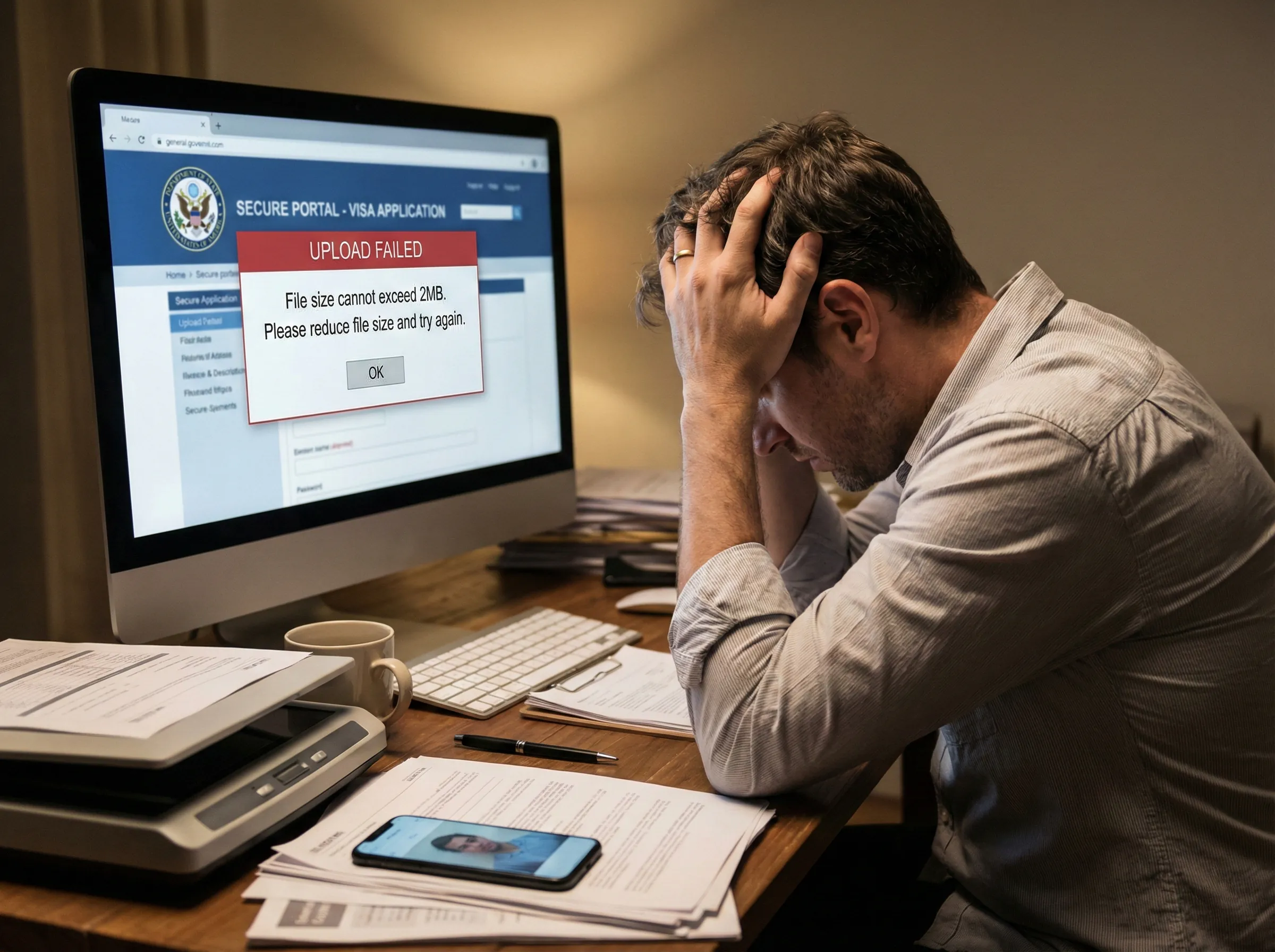
There is nothing more frustrating than spending 30 minutes filling out a visa application, insurance claim, or mortgage portal, only to hit "Submit" and get an error message: "File size cannot exceed 2MB."
While modern websites can handle huge files, government and banking systems are often built on older infrastructure. The US State Department's CEAC portal (for visas), for example, has a strict 2MB limit per document. Many banking portals cap uploads at 5MB.
If you scanned your document at "High Quality" or took a photo with a modern phone, your file is likely 5MB to 10MB. It won't pass.
Don't Lower Your Scanner Resolution
The common advice is to "rescan at a lower resolution" (like 72dpi). This is dangerous. If you lower the resolution too much, the text becomes blurry. If a loan officer or immigration agent can't read the text on your document, they will reject your application.
You need to keep the resolution high (so the text is crisp) but lower the file weight.
The Fix: Compress the Internal Data
Scanners and phone cameras are inefficient. They pack files with huge amounts of color data that human eyes can't even perceive, especially on a black-and-white document.
By running your scan through a compressor, you strip out that invisible bloat. You can often take a 10MB scanned contract and turn it into a 500KB file that looks identical to the original.
Step-by-Step for Critical Documents
- Check the format. Most portals want JPG or PDF. If you have a massive PDF, you might need to convert it to images first, or if you have a JPG scan, you are ready.
- Drag into LighterImage. You can process your ID, passport scan, and bank statements in one batch (up to 5 files).
- Download and Verify. Open the compressed file on your computer. Zoom in to 100%. Can you read the fine print? If yes, it's safe to submit.
- Submit. Your 8MB scan is now likely under 1MB, well below the strict 2MB limit.
This little step ensures your application doesn't get kicked back for technical reasons, saving you weeks of processing time.
Frequently Asked Questions
Why do government portals have strict file size limits?
Government and banking systems often run on older infrastructure with strict security requirements. The US State Department CEAC portal limits files to 2MB, while many bank portals cap at 5MB. These limits ensure system stability and prevent abuse.
How do I compress a document without losing readability?
Use smart compression that reduces file weight, not resolution. Keep your scan at high resolution (300dpi) but compress the internal data. This maintains readable text while dramatically reducing file size—often from 10MB to under 500KB.
What file format should I use for visa applications?
Most government portals accept JPG or PDF. If you have a large PDF, convert pages to JPG images first, then compress them. Always verify the compressed file is readable at 100% zoom before submitting.
No signup required. Drop your documents and download compressed versions instantly.