How to Email High-Res Photos (Without Using Google Drive Links)

We have all been there. You drag five or six photos into a new email to send to a client or a family member. You hit send. And then, the dreaded pop-up appears: "File size exceeds 25MB limit."
Most email providers, including Gmail and Outlook, cap your attachments at 25MB. When you go over that, they try to force you to upload the files to a cloud drive (like Google Drive or OneDrive) and send a link instead.
But let's be honest: nobody likes dealing with those links. You have to mess with permission settings ("Request Access"), and the recipient has to click through to download them. It's friction.
The better solution is to shrink the files so they fit inside the email.
Why Your Photos Are Too Big
Modern phones and cameras take incredible pictures. A single photo from an iPhone can easily be 5MB to 7MB. If you attach five of them, you are already over the 25MB limit.
However, that file size is usually overkill for email. Unless the person receiving the photo intends to print it on a billboard, they do not need that much data. They just need the image to look crisp on their screen.
The Fix: Compress Without Resizing
You don't need to resize the photo (i.e., making it smaller dimensions like a postage stamp). You just need to compress the data.
This is where "lossy" compression saves the day. It keeps the image dimensions large—so it still fills the screen when opened—but it throws away the redundant data that makes the file heavy.
The 30-Second Workflow
- Select your batch. Grab the 5 or 10 photos you want to email.
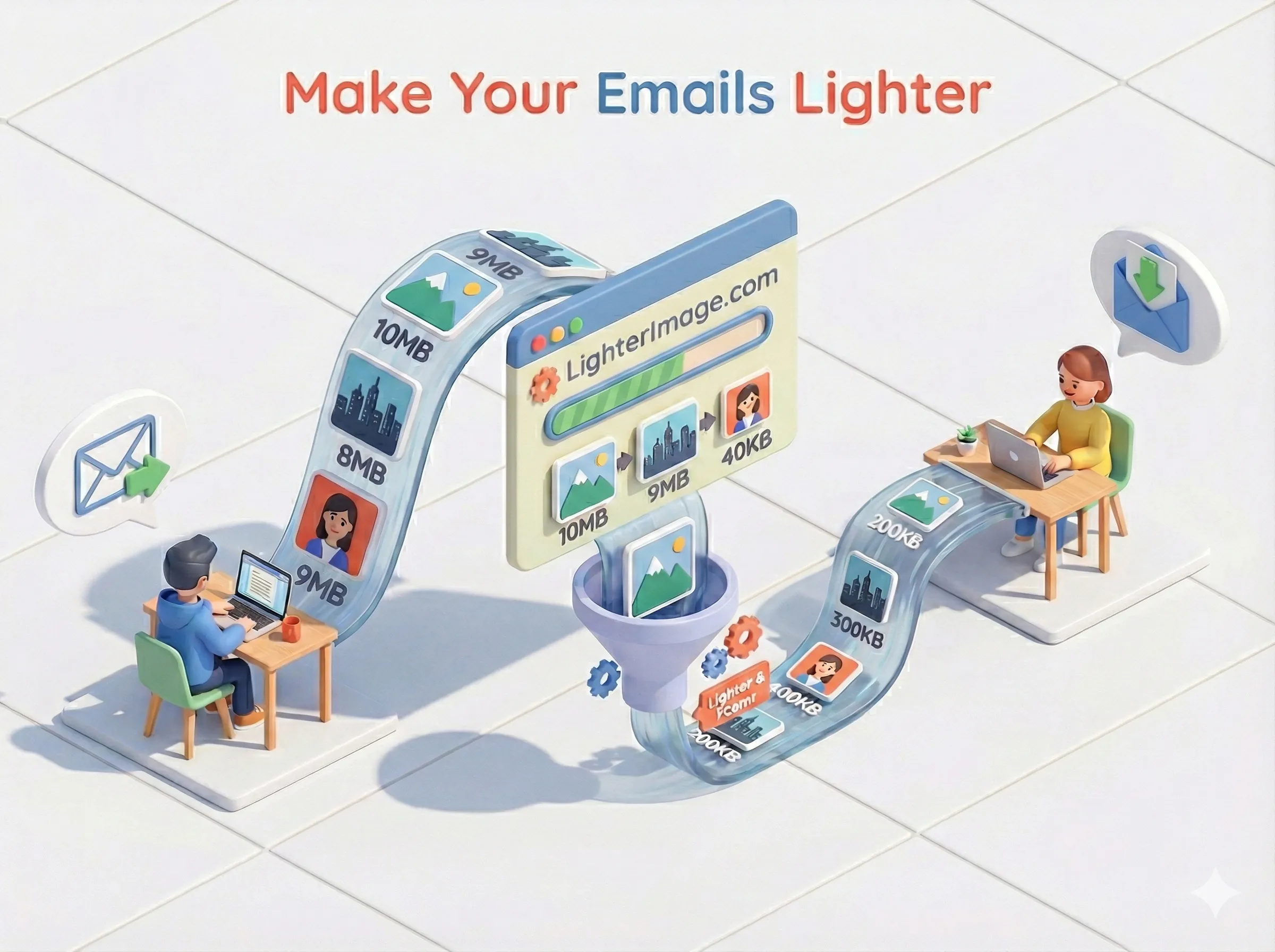
- Drag them to LighterImage. You can do this in a single batch (up to 5 files at a time). Because we allow files up to 10MB each, even your high-res DSLR shots will work.
- Download the zip. You will likely see your total file size drop from ~35MB to ~5MB.
- Attach and Send. Now, you can drag the actual images right into the email. No cloud links, no permissions, no hassle.
The recipient gets the photos instantly, and they look exactly the same on their screen as the originals did on yours.
Frequently Asked Questions
What is the email attachment size limit?
Most email providers including Gmail and Outlook have a 25MB attachment limit. If your photos exceed this, you'll need to compress them or use cloud storage links.
How can I send large photos without Google Drive?
Compress your photos before attaching them. A typical 5-7MB photo can be reduced to under 1MB while maintaining visual quality, allowing you to attach multiple photos directly to your email.
Will compressing photos reduce their quality?
Smart compression removes invisible data redundancy, not visual quality. The photos will look identical on screen but with 70-80% smaller file sizes. The dimensions stay the same.
No signup required. Drop your images and download compressed versions instantly.